
Learn Cybersecurity Through Clear Structure, Practical Scenarios, and Careful Digital Thinking

-
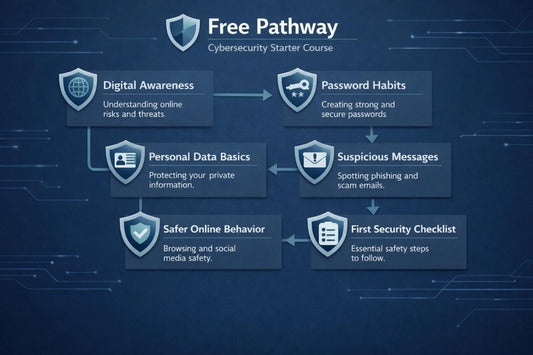
Free Pathway
Regular price €0,00 EURRegular price -
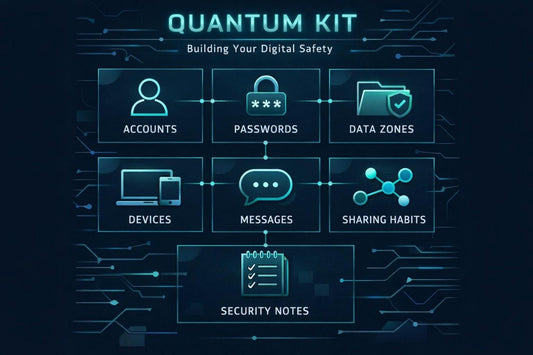
Quantum Kit
Regular price €25,00 EURRegular price -
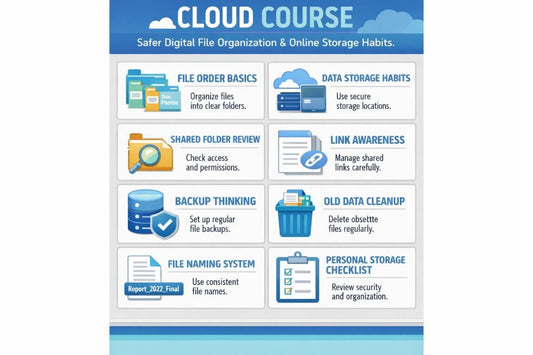
Cloud Course
Regular price €150,00 EURRegular price -
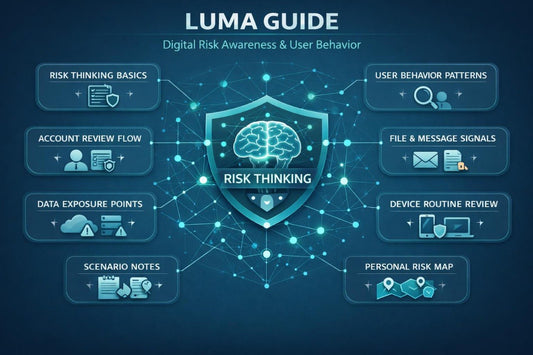
Luma Guide
Regular price €246,00 EURRegular price -
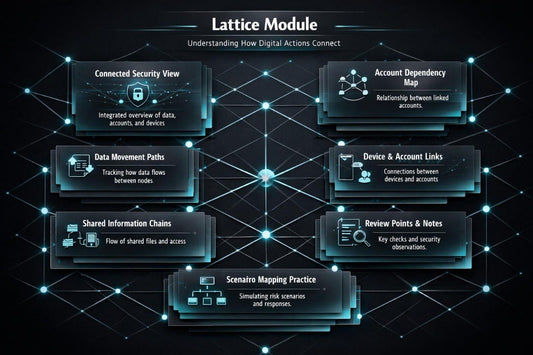
Lattice Module
Regular price €296,00 EURRegular price -
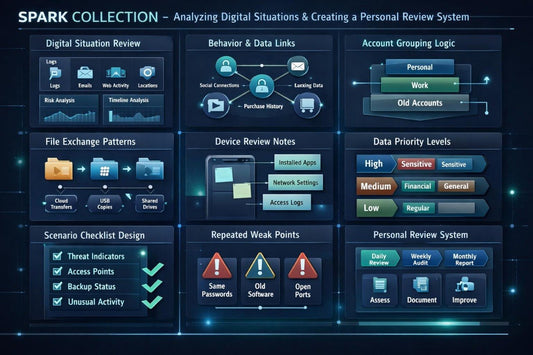
Spark Collection
Regular price €396,00 EURRegular price -
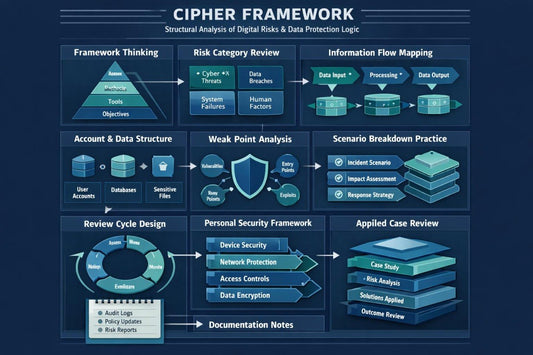
Cipher Framework
Regular price €496,00 EURRegular price -
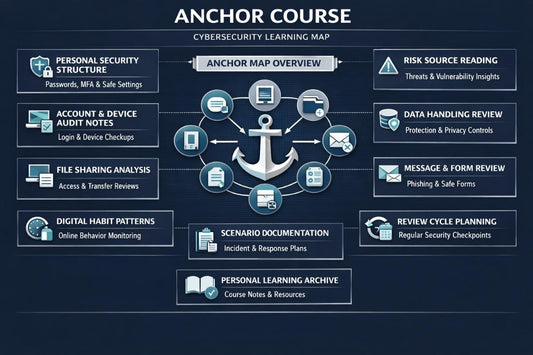
Anchor Course
Regular price €596,00 EURRegular price








Secvoriona Started With One Clear Question
as seen on


People Who Bring Order to Complex Topics
-

Earnest Koch
Cybersecurity Analyst
-

Susan Maynard
Network Security Specialist
-

Douglas Hall
Threat Intelligence Researcher


Cybersecurity Without Loud Claims
Not Louder — Clearer
-

Data Awareness
The course helps learners
better understand which
types of data need careful
handling during online
actions. -

Account Review
The materials
explain how to review
accounts, settings,
and connected digital
habits. -

File Order
Learners explore
ways to organize
files, folders, links,
and learning
materials. -

Risk Thinking
The course shows how to
analyze digital situations
without panic, using
questions, notes,
and examples.


Learn Where It Feels Comfortable


Get a Starter Material from Secvoriona
Stories From More Careful Learners
-

Hank Perry
Hank worked with many documents and often struggled to
understand where important files were stored and which
materials had already been shared with others.
What was useful: The most useful sections for him were about
file order, document naming, shared folder review,
and digital notes.
Direct quote: “After the materials, I started seeing files not as
folder chaos, but as a system that can be reviewed regularly.” -

Sara Hayes
Sara wanted to better understand how to recognize
questionable messages, links, and requests for personal data
without panic or unnecessary technical complexity.
What was useful: The format with scenario examples, self-
review questions, and short message analysis checklists worked
well for her.
Direct quote: “It became easier for me to pause before replying
to an unclear request and calmly review the details.”

